
ANDROID FILE SAFETY
Teen Patti Master APK safety checklist
A practical checklist for verifying an Android APK source, publisher identity, permissions, version and device warnings before installation.
A familiar app name or icon cannot prove that an APK is genuine. Use this checklist to assess risk; it cannot certify a file as safe.
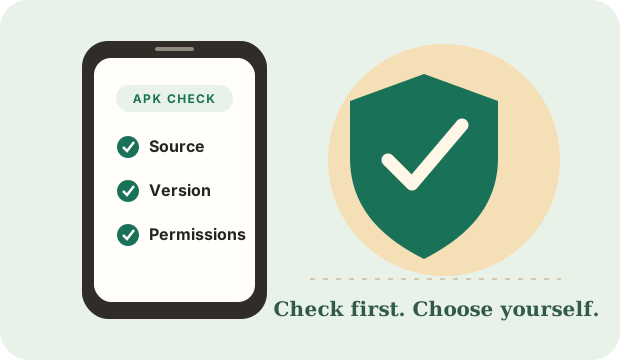
1. Verify the source and publisher
Prefer a publisher-controlled website or an official app-store listing that you reach independently. Match the publisher name, package identity and support/privacy links. A third-party download page is not proof of publisher approval.
2. Check the exact release
Record the version, release date, file size, package name and cryptographic hash when a reliable publisher supplies them. Compare these values with a source you trust. “Latest”, “original” and “100% safe” are not evidence by themselves.
3. Review permissions and warnings
Ask whether each requested permission makes sense for the app's stated function. Treat unexpected access to SMS, contacts, accessibility services, notification contents or device administration as a serious warning. Do not bypass Android Play Protect or security warnings just to install a file.
4. Protect accounts and personal data
- Never share an OTP, UPI PIN, card PIN, banking password or recovery code.
- Do not install “mod”, “hack”, “unlimited coins” or patched APKs.
- Do not install a file sent through an unsolicited message or pop-up.
- Keep Android and Google Play Protect updated.
- If in doubt, stop and delete the untrusted file without opening it.
5. Understand our current download status
No publisher-verified APK, release metadata, checksum or source URL has been provided for this site. We therefore do not serve an APK from /go/ and will not silently start a download. See the transparent download status page.
These steps reduce avoidable risk but do not guarantee that a file is harmless. For installation steps and Android settings, read our neutral installation guide.